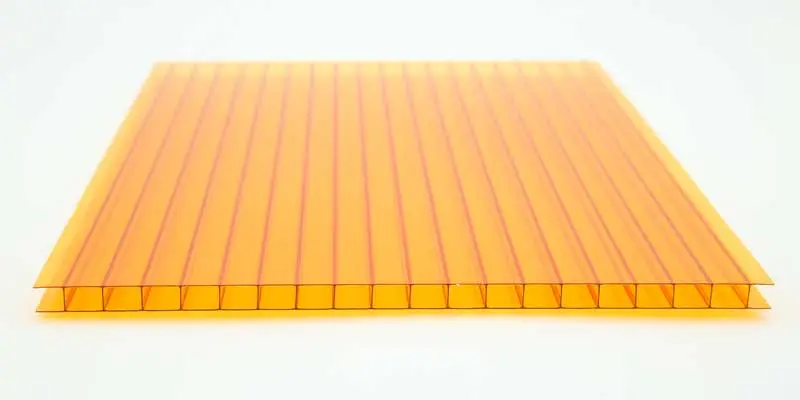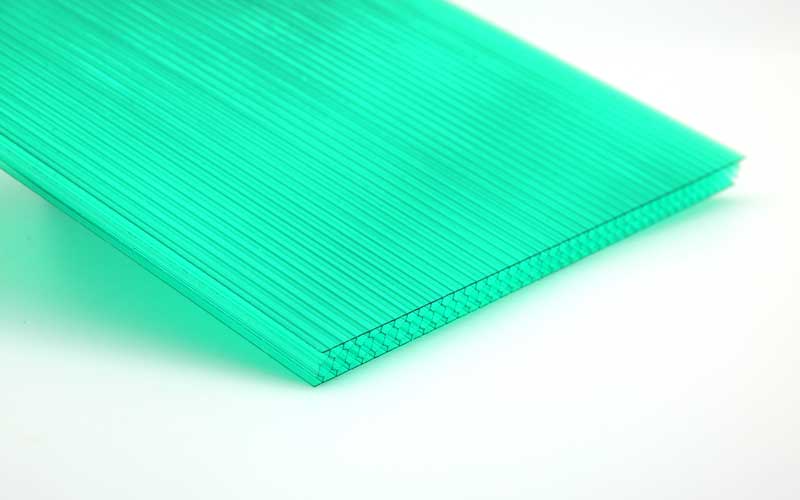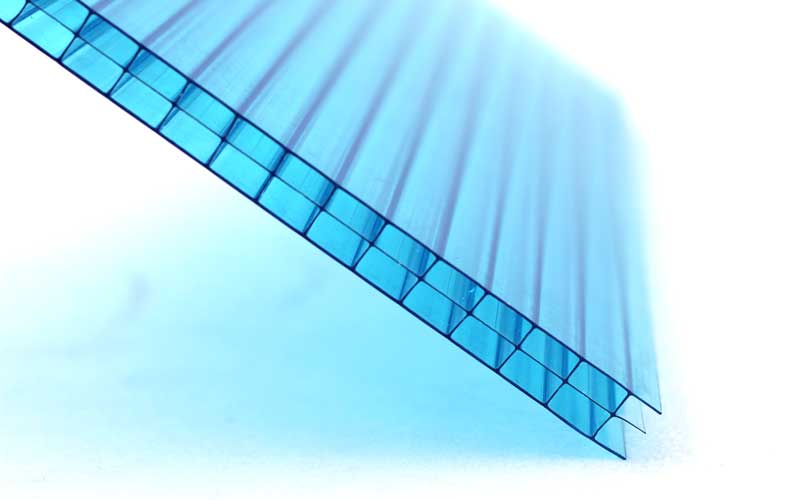
Polycarbonate (PC) sheets have long been favored for their exceptional impact resistance, transparency, and versatility—making them a staple in industries from construction and automotive to electronics and signage. But raw PC sheets (straight, plain, or standard-sized) often can’t meet the unique demands of specific projects: a curved greenhouse roof, a frosted office partition, or a fire-resistant industrial panel, for example. That’s where deep processing comes in.
Deep processing transforms basic PC sheets into high-performance, custom-tailored products that solve complex application challenges. Whether you’re a manufacturer, contractor, or DIY enthusiast looking to maximize the value of PC sheets, this guide breaks down the most common and practical deep processing techniques. We’ll cover how each method works, its key benefits, ideal use cases, and critical tips for success—helping you choose the right process for your project.
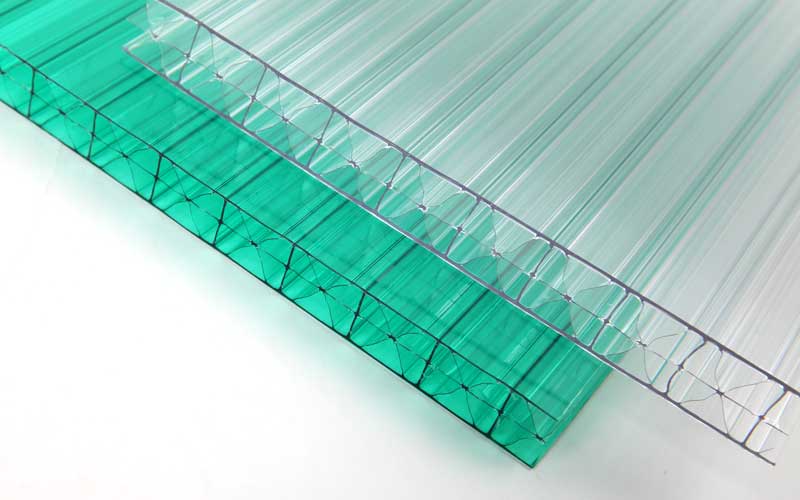
What Is Deep Processing for PC Sheets?
Before diving into techniques, let’s clarify: deep processing (or “value-added processing”) refers to post-production methods that modify the physical form, surface properties, or performance of raw PC sheets. Unlike simple cutting (a basic processing step we covered in How to Cut Polycarbonate Sheet), deep processing enhances functionality, aesthetics, or durability—turning a generic sheet into a specialized component.
Common goals of deep processing include:
- Creating complex shapes (curves, domes, or 3D forms).
- Improving surface performance (scratch resistance, UV protection, or anti-fogging).
- Adding functional features (fire resistance, sound insulation, or electrical conductivity).
- Customizing aesthetics (frosting, printing, or coloring).
1. Bending & Thermoforming: Shaping PC Sheets Into 3D Forms
Raw PC sheets are rigid, but they’re also thermoplastic—meaning they soften when heated and retain their shape when cooled. Bending (for simple curves) and thermoforming (for complex 3D shapes) leverage this property to create custom profiles that basic cutting can’t achieve.
How It Works
Both techniques rely on controlled heating, but they differ in complexity:
- Bending: Ideal for simple, uniform curves (e.g., arched greenhouse frames, curved signage borders).
- Mark the bend line on the PC sheet (leave the protective film on to prevent scratches).
- Heat the sheet along the bend line using a heat strip (for straight bends) or heat gun (for gentle curves) until it reaches 150–180°C (the softening point of PC).
- Once softened, bend the sheet to the desired angle (use a jig or template for precision) and hold it until it cools (5–10 minutes).
- Thermoforming: Used for complex shapes (e.g., automotive light covers, machine guards, or dome-shaped skylights).
- Heat the entire PC sheet in an oven (160–200°C) until it’s fully pliable (like rubber).
- Place the heated sheet over a mold (wood, metal, or plastic) and apply pressure (via vacuum suction, compressed air, or manual pressing) to force it into the mold’s shape.
- Cool the sheet (with fans or water mist) while it’s in the mold, then trim excess material.
Key Benefits
- Creates custom shapes that fit tight spaces or unique designs (e.g., curved storefront canopies).
- Maintains PC’s core properties (impact resistance, transparency) after forming.
- Cost-effective for small to medium production runs (vs. injection molding, which requires expensive tooling).
Ideal Use Cases
- Bending: Arched greenhouse panels, curved window trim, circular signage frames.
- Thermoforming: Automotive interior components, medical device housings, decorative dome skylights.
Pro Tips
- Use UV-stabilized PC sheets for outdoor applications—heating won’t degrade their UV resistance.
- Avoid overheating: PC sheets burn at 300°C+, so monitor temperature closely.
- Keep the protective film on during processing to prevent scratches or contamination.
2. Surface Coating: Enhancing Durability & Functionality
Raw PC sheets have two main weaknesses: they’re prone to scratches and can yellow over time (without UV protection). Surface coating adds a thin, protective layer to address these issues—and even adds new functions like anti-fogging or anti-glare.
Common Coating Types & How They Work
| Coating Type | Purpose | Application Process |
| Scratch-Resistant (SR) Coating | Reduces scratches from cleaning, handling, or environmental wear. | Spray or roll a clear, hard resin (e.g., acrylic or silicone-based) onto the sheet, then cure it with heat or UV light. SR coatings boost PC’s hardness from 2H to 4H (on the pencil hardness scale). |
| UV-Protective Coating | Blocks 99% of UV rays to prevent yellowing, brittleness, or fading. | Apply a UV-absorbing resin (often acrylic-based) to one or both sides of the sheet. Most commercial PC sheets come pre-coated, but custom coating is available for specialized needs. |
| Anti-Fog Coating | Prevents condensation (fogging) on indoor PC surfaces (e.g., cold storage doors). | Use a hydrophilic coating (attracts water) that spreads condensation into a thin, transparent film instead of droplets. Applied via spray or dip, then cured. |
| Anti-Glare (AG) Coating | Reduces reflected light for better visibility (e.g., digital signage, display panels). | Create a micro-rough surface on the PC sheet via chemical etching or abrasive coating. The rough texture scatters light instead of reflecting it directly. |
Key Benefits
- Extends PC sheet lifespan (SR/UV coatings add 5–10 years of use).
- Improves performance in harsh environments (e.g., anti-fog for cold rooms, AG for outdoor displays).
- Maintains transparency—coatings are clear and don’t distort light.
Ideal Use Cases
- SR Coating: Protective barriers, touchscreen covers, retail display shelves.
- UV Coating: Outdoor signage, greenhouse panels, skylights.
- Anti-Fog Coating: Refrigerator doors, medical incubator windows, bathroom partitions.
- AG Coating: Digital billboards, airport information displays, office whiteboards.
Pro Tips
- Choose two-sided coating for sheets exposed to wear on both sides (e.g., partitions).
- For high-wear applications (e.g., factory machine guards), combine SR and UV coatings for maximum protection.
3. Frosting & Etching: Customizing Aesthetics & Privacy
Raw PC sheets are fully transparent, but many projects require privacy (e.g., office partitions) or a sleek, matte look (e.g., decorative panels). Frosting (for uniform opacity) and etching (for patterns or designs) are cost-effective ways to customize PC’s appearance without sacrificing light transmission.
How They Work
- Frosting: Creates a uniform, matte finish that diffuses light (blocks visibility but lets in natural light).
- Chemical Frosting: Dip the PC sheet in a mild acid solution (e.g., hydrofluoric acid diluted with water) for 1–3 minutes. The acid etches the surface slightly, creating a frosted effect. Rinse thoroughly with water to stop the reaction.
- Mechanical Frosting: Sand the sheet’s surface with fine-grit sandpaper (400–600 grit) or use a sandblaster with fine abrasive particles. This is ideal for small, DIY projects.
- Etching: Creates precise patterns, logos, or text (e.g., company logos on office partitions, decorative designs on furniture panels).
- Apply a masking film (vinyl or stencil) with the desired pattern to the PC sheet.
- Use chemical etching (acid) or mechanical sandblasting to etch the exposed areas (not covered by the mask).
- Peel off the masking film to reveal the pattern—etched areas are frosted, while masked areas remain transparent.
Key Benefits
- Balances privacy and light transmission (frosted PC sheets let in 70–80% of light, vs. 90% for clear sheets).
- Adds a premium, modern look (matte frosting is more sophisticated than opaque plastic).
- Patterns/etchings are permanent (won’t fade or peel, unlike printed designs).
Ideal Use Cases
- Frosting: Office partitions, bathroom shower doors, balcony railings (privacy barriers).
- Etching: Branded signage, decorative furniture panels, custom light fixtures.
Pro Tips
- For large projects (e.g., office partitions), use chemical frosting—it’s faster and more uniform than mechanical sanding.
- Test the acid concentration on a small scrap sheet first—too strong an acid will damage the PC.
4. Laminating: Boosting Strength & Adding Layers
Laminating bonds multiple PC sheets (or PC sheets with other materials like glass, film, or fabric) into a single, stronger composite. This technique enhances impact resistance, sound insulation, or fire performance—making it ideal for high-demand applications.
Common Lamination Types
- PC-to-PC Lamination: Bonds 2–3 PC sheets together to create a thicker, more impact-resistant panel (e.g., bulletproof glass alternatives). Use a clear, UV-resistant adhesive (acrylic-based) to maintain transparency.
- PC-to-Glass Lamination: Combines PC’s impact resistance with glass’s clarity (e.g., storefront windows, hurricane-resistant glass). The PC layer prevents glass from shattering into sharp shards if broken.
- PC-to-Film Lamination: Adds functional films (e.g., UV-filtering film, anti-glare film, or decorative printed film) to the PC sheet. This is a cheaper alternative to coating for small projects.
How It Works
- Clean all layers (PC sheets, glass, film) thoroughly to remove dust or oil—debris will ruin the bond.
- Apply a thin layer of adhesive (acrylic or polyurethane-based) to one side of each layer.
- Press the layers together using a laminating machine (applies heat and pressure) or a roller (for small sheets). Heat (60–80°C) helps the adhesive cure faster and creates a stronger bond.
- Let the laminated panel cure for 24–48 hours before use.
Key Benefits
- Significantly boosts impact resistance (a 2-layer PC panel is 50% stronger than a single sheet of the same total thickness).
- Adds multi-functionality (e.g., PC+UV film+glass = impact-resistant, UV-protective, shatterproof windows).
- Reduces noise transmission (laminated panels with air gaps between layers insulate sound better than single sheets).
Ideal Use Cases
- PC-to-PC: Bulletproof barriers, bank teller windows, high-security machine guards.
- PC-to-Glass: Hurricane-resistant windows, storefront glass (anti-shatter), skyscraper balcony railings.
- PC-to-Film: Printed decorative panels, UV-protective greenhouse covers, anti-glare display screens.
Pro Tips
- Use waterproof adhesive for outdoor or wet applications (e.g., shower doors, pool enclosures).
- Ensure layers are perfectly aligned before pressing—once bonded, adjustments are impossible.
5. Drilling & Tapping: Adding Fastening Points
Most PC sheet projects require attaching the sheet to frames (e.g., greenhouse frames, window frames) or other components. Drilling (creating holes) and tapping (adding threads to holes for screws) are essential deep processing steps for assembly—but they require care to avoid cracking the sheet.
How It Works
- Drilling:
- Mark the hole location on the PC sheet (use a non-permanent marker; keep the protective film on).
- Clamp the sheet to a padded workbench to prevent movement (use rubber-coated clamps to avoid scratches).
- Use a high-speed steel (HSS) drill bit or carbide-tipped drill bit (designed for plastic). Set the drill to a low speed (500–1,000 RPM) to avoid melting the PC.
- Drill straight through the sheet—apply light, steady pressure (don’t force the bit, which causes cracking). For thick sheets (10mm+), drill a small pilot hole first.
- Tapping:
- After drilling the hole, use a plastic tap (matched to the screw size) to cut threads into the hole.
- Turn the tap slowly (1–2 rotations per second) and reverse it slightly every few turns to remove plastic shavings (prevents jamming).
- Test the thread with a screw—ensure it fits snugly but doesn’t strip the plastic.
Key Benefits
- Enables secure assembly (screws hold PC sheets firmly to frames or other components).
- Avoids damage from improper fastening (e.g., nails can crack PC sheets; screws with tapped holes distribute pressure evenly).
Ideal Use Cases
- Greenhouse panel installation (attaching PC sheets to aluminium frames).
- Mounting signage (drilling holes for brackets).
- Assembling DIY projects (e.g., shed windows, bird feeders).
Pro Tips
- Use countersunk holes for flat-head screws (creates a smooth, flush surface).
- For outdoor applications, use stainless steel screws (prevents rust from staining the PC sheet).
6. Flame Retardant Treatment: Enhancing Fire Safety
Standard PC sheets are inherently flame-retardant (they self-extinguish when the flame source is removed, per UL94 V2 rating), but some industries (e.g., construction, electronics, public buildings) require higher fire safety ratings (UL94 V0 or V1). Flame retardant (FR) treatment boosts PC’s fire resistance to meet these strict standards.
How It Works
- Additive FR Treatment: Mix flame-retardant chemicals (e.g., bromine-based or phosphorus-based additives) into the PC resin before the sheet is extruded. This is the most common method for commercial FR PC sheets.
- Coating FR Treatment: Apply a clear FR coating (e.g., intumescent coating) to the surface of a finished PC sheet. When exposed to fire, the coating expands to form a char layer that insulates the PC from heat.
Key Benefits
- Meets global fire safety standards (e.g., UL94 V0, ASTM E84, EN 13501).
- Prevents fire spread (FR PC sheets don’t drip molten plastic when burning, reducing fire hazards).
- Maintains transparency and impact resistance (FR additives/coatings don’t compromise PC’s core properties).
Ideal Use Cases
- Building interiors (ceiling panels, wall partitions in hospitals/schools).
- Electronics (TV back covers, laptop housings).
- Public transport (train windows, bus interior panels).
Pro Tips
- Choose additive FR treatment for long-term fire resistance (coatings can wear off over time).
- Verify the FR rating with the manufacturer—ensure it meets your project’s local building codes.
Common Questions About PC Sheet Deep Processing
Q: Can I perform deep processing (e.g., bending, frosting) on multiwall PC sheets?
A: Yes—but multiwall sheets require extra care. For bending, heat only the area to be bent (avoid heating the entire sheet, which can collapse the air pockets). For frosting/etching, treat both sides evenly to maintain structural integrity.
Q: Does deep processing reduce the lifespan of PC sheets?
A: No—when done correctly, deep processing extends lifespan (e.g., UV coatings prevent yellowing; SR coatings reduce wear). Poorly done processing (e.g., overheating during bending, using harsh chemicals for frosting) can damage the sheet, however.
Q: Is deep processing more expensive than buying pre-processed PC sheets?
A: It depends on the volume. For small projects (e.g., a DIY greenhouse), in-house processing (bending, drilling) is cheaper. For large projects (e.g., 100+ office partitions), buying pre-frosted or pre-coated sheets is more cost-effective (manufacturers have specialized equipment for consistent results).
Q: Can I print on PC sheets as part of deep processing?
A: Yes—digital printing (UV-curable ink) or screen printing works on PC sheets. Print on the back of the sheet (for outdoor signage) to protect the ink from UV damage and wear.
Final Thoughts: Choosing the Right Deep Processing Technique
The best deep processing technique for your PC sheet depends on three factors:
- Project Goal: Do you need custom shapes (bending/thermoforming), better durability (coating), privacy (frosting), or fire safety (FR treatment)?
- Application Environment: Outdoor projects need UV/SR coatings; high-heat areas need flame retardant treatment; wet areas need waterproof laminating.
- Budget & Volume: Small DIY projects can use in-house techniques (drilling, mechanical frosting); large commercial projects benefit from pre-processed sheets (additive FR, factory lamination).
By matching the technique to your needs, you’ll unlock the full potential of PC sheets—creating products that are durable, functional, and tailored to your project.
For high-quality raw PC sheets (clear, multiwall, UV-stabilized) or pre-processed PC products (frosted, FR-treated, bent), explore our PC sheet collection or contact our team for custom processing solutions.